INTERACTIVE DECORATIONS FOR WINDOWS
Christmas
on your desktop.
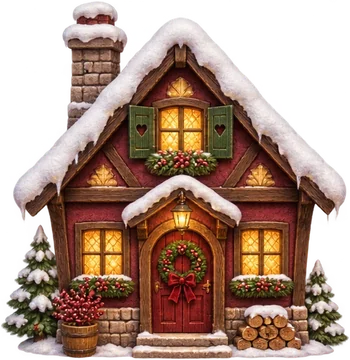
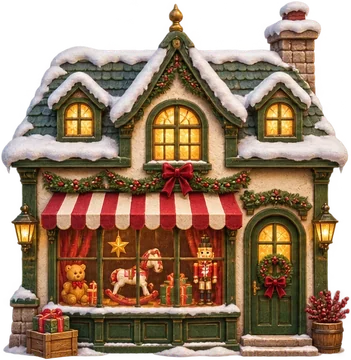
A Christmas village lives just above your taskbar. Click the cottage, the train or the cat on the monitor to try it.
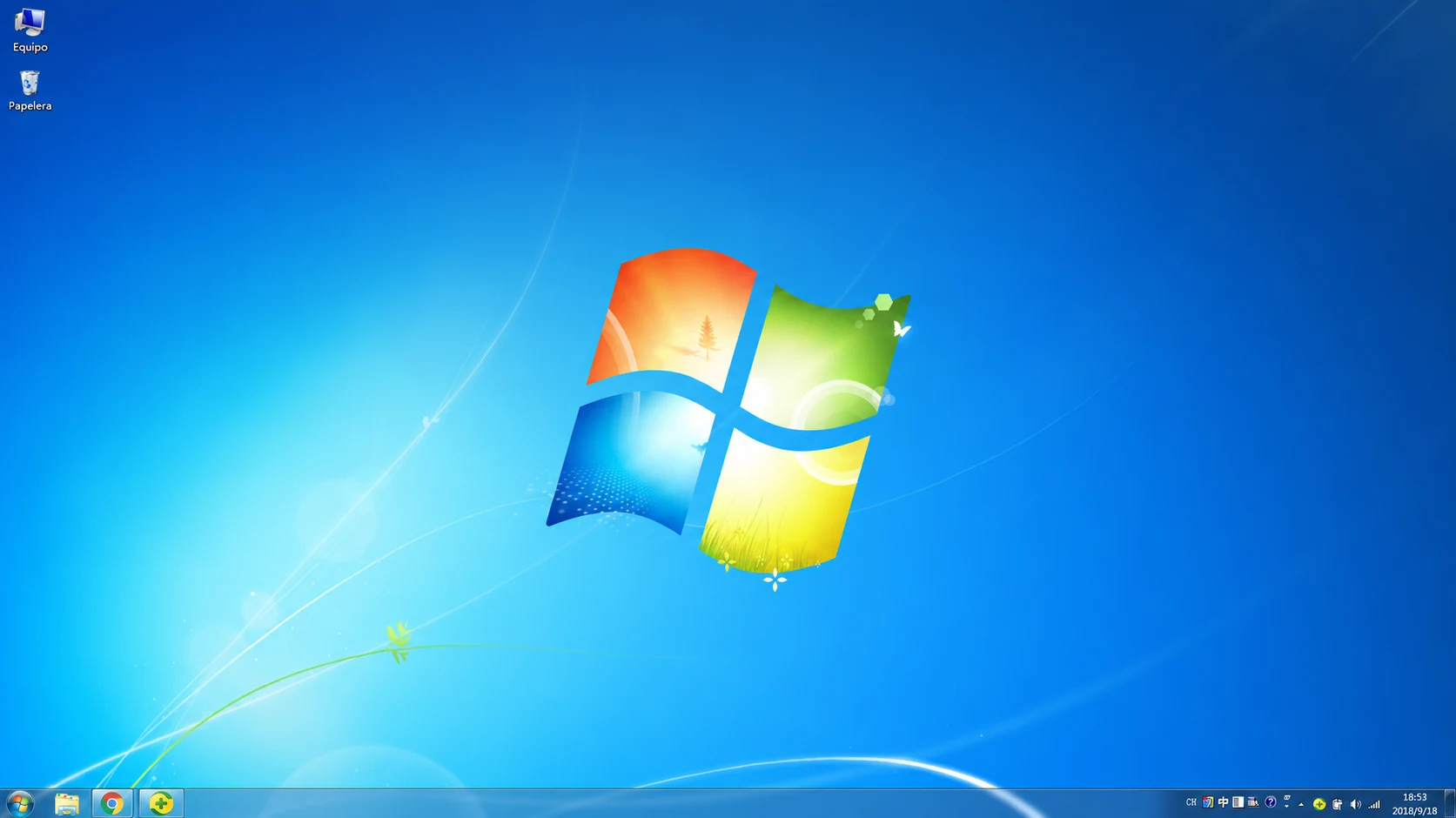
The app requires a PC running 64-bit Windows 11.

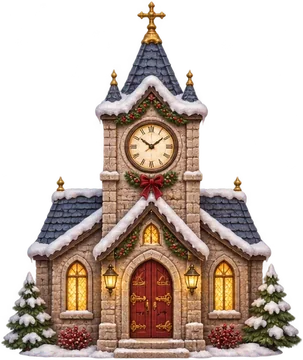






Inside the village
A village in motion.
Watch the train pass the cottages, then pick a miniature to try in the web studio.
The film could not be played. Try a miniature below.
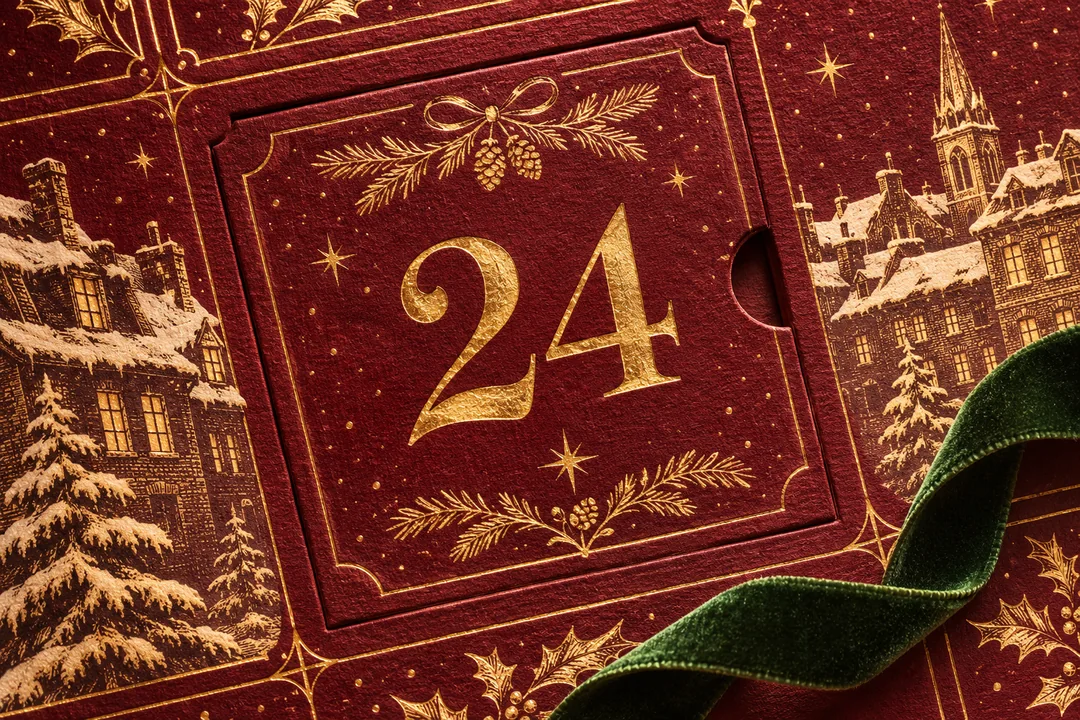
THE DIGITAL ADVENT CALENDAR
A little secret
every December morning.
From December 1 to 24, the Windows edition reveals a new ornament each day. Open it, find it a place on your desktop and watch your collection grow.
Explore the Windows edition↓THE WINDOWS EDITION
One purchase.
Two personal PCs.
- ✧A personal licence for the edition you buy, with no subscription.
- ✧Activate online once, then enjoy the village offline.
- ✧Move and resize your miniatures and save your arrangement.
Only for PCs running 64-bit Windows 11
BEFORE THE RELEASE
Be there when it opens.
Leave your email to hear when Noël Desktop goes on sale.
Buy on Gumroad↗Payment and Windows download through Gumroad.
GOOD TO KNOW
A few questions.
Does it replace my wallpaper?
Your own wallpaper stays in place. Noël adds a layer of decorations along the edges of your screen and just above the taskbar.
Which devices can I install Noël Desktop on?
Noël Desktop runs only on PCs with 64-bit Windows 11. There is no iPhone or Android app. The web demo previews the decorations.
How do I install and activate it?
Open your Gumroad receipt to get the .exe installer and your licence key. Run the installer on your Windows 11 x64 PC, then enter your key while online. After activation, you can use Noël offline.
Can I move my licence to another PC?
Yes. Your licence covers two personal PCs. Release a device in the app or the licence portal, then activate the new PC with the same key.
Can I hide or pause the decorations?
In the Windows app, Ctrl + Shift + H hides or shows the decorations. Ctrl + Shift + P pauses or resumes the animation.
How does Advent work?
The Windows edition has 24 surprises to open as the days of Advent arrive. They stay wrapped in the web demo.
How do I get the Windows edition?
Sign up for the launch notice. When the edition is available, you can buy and download it through Gumroad.